The whole remote
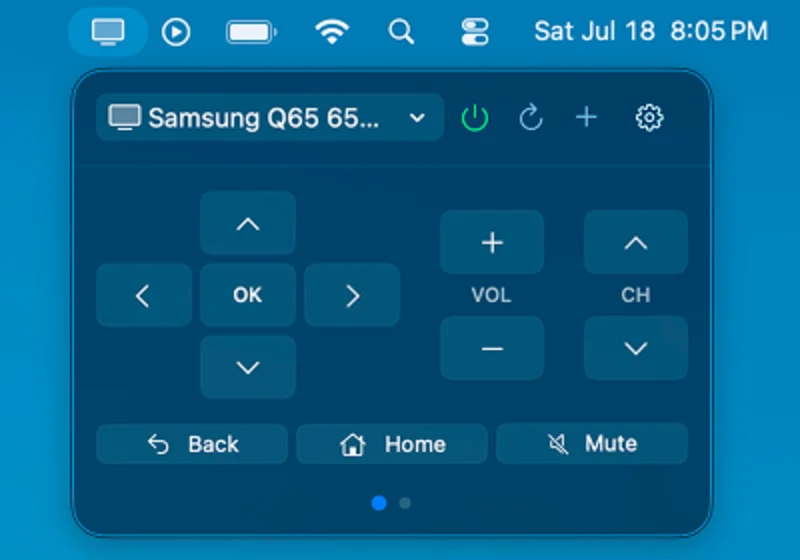
D-pad, OK, back, home, volume, channels and mute, one click from whatever you're doing.

One click on your Mac and the remote is there. No hunting down the couch, no leaving what you're working on. For Samsung Smart TVs, over your own Wi-Fi.
Get it on the Mac App StoreTV is unreachable
Go on, press something. This TV is pretend, the panel works like the real one.
D-pad, OK, back, home, volume, channels and mute, one click from whatever you're doing.
Open Netflix, YouTube, Prime Video, Disney+, Spotify, Apple TV and others from your Mac.
Turn the TV on and off from the menu bar, using network standby or Wake-on-LAN.
Scan the network or add a TV by IP address. If its IP changes, BarRemote finds it again.
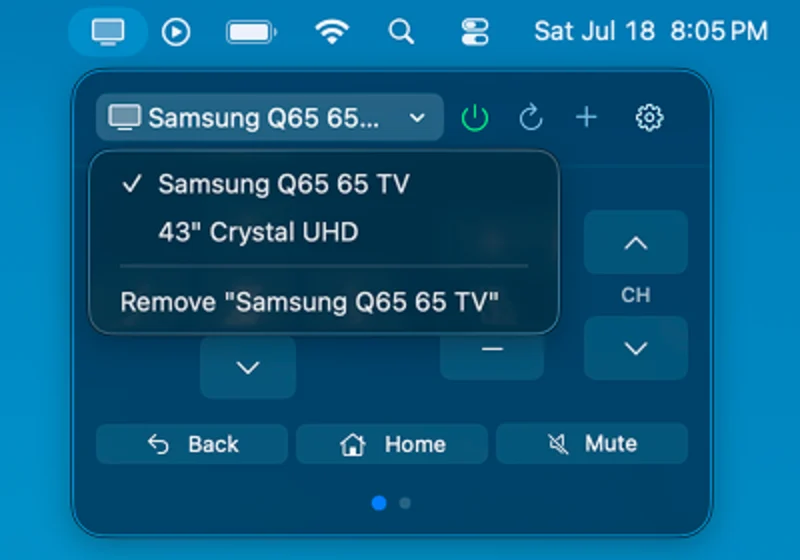
Save as many as you have and switch between them from one menu.
A tiny native menu bar app. No Dock icon and no floating windows.
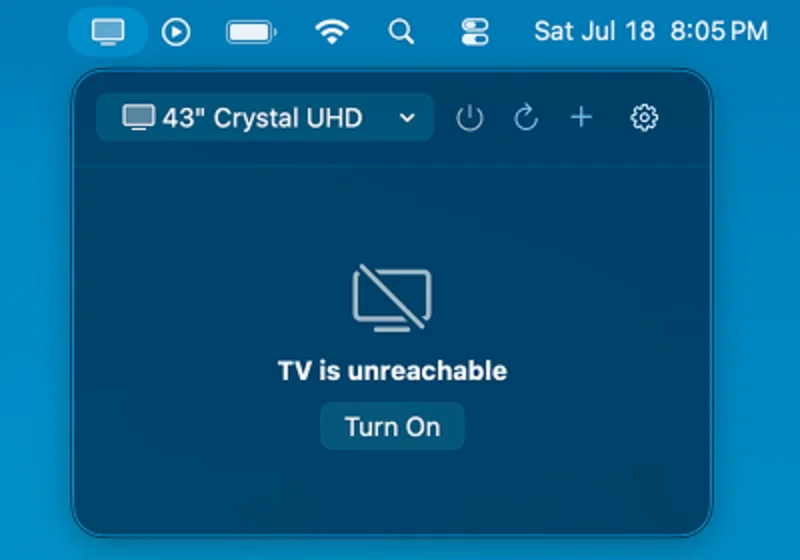
Make sure your Mac and TV are on the same Wi-Fi network and the TV is powered on. If that doesn't help, add the TV by its IP address. You can find it on the TV under Settings → General → Network → Network Status.
Check that the TV's IP address is still correct, since it can change when your router restarts. Make sure the TV is on and that no firewall is blocking local network traffic on ports 8001 and 8002.
BarRemote needs Local Network access to find and talk to your TV. Allow it in System Settings → Privacy & Security → Local Network.
The first time the app connects, select Allow on the TV with your regular remote. If you denied it, reset permissions on the TV under Settings → General → External Device Manager → Device Connection Manager.
Still stuck, found a bug or want a feature? Send us a message.
Everything runs on your local network. BarRemote talks to your TV and nothing else.