-
Catalogue
Every panel you sell or own: its shape, real size, colours and price per piece. Rectangles, hexagons, triangles, arches and more.
-
Editor
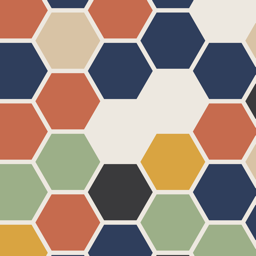
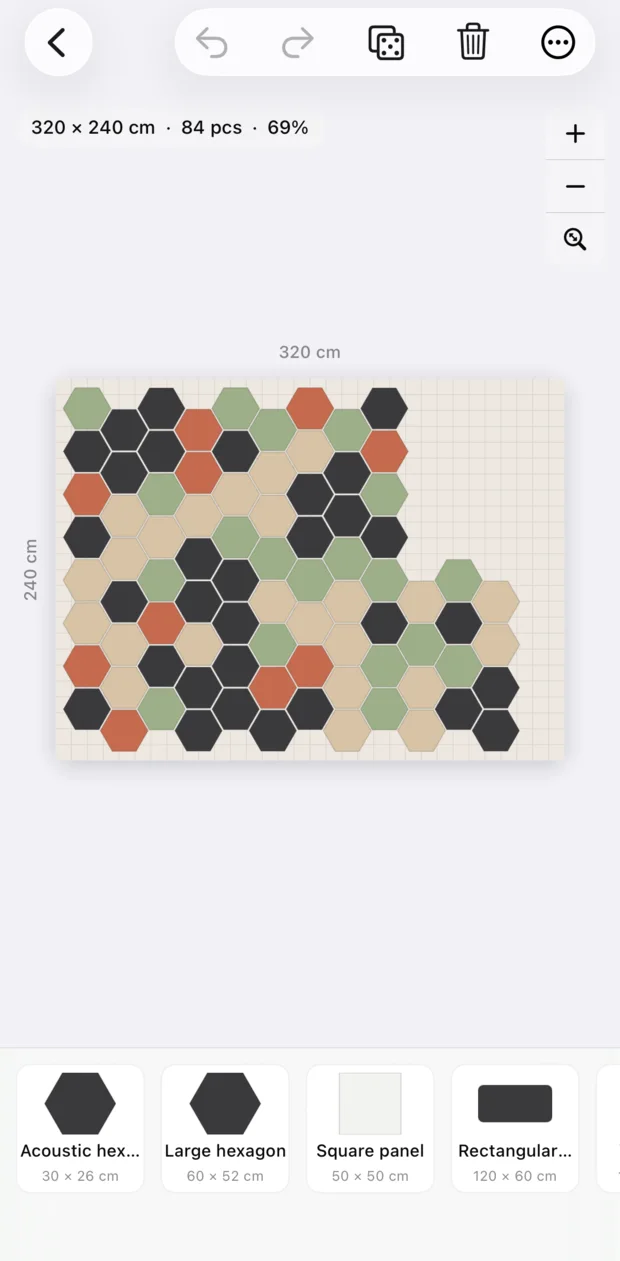
Drag shapes onto the wall. Hexagons interlock, triangles flip, and everything else snaps edge to edge, respecting the panel gap.
-
Fill wall
Cover the whole wall with one shape in single, alternating or random colours, with a live preview.
-
Materials
A list grouped by product and colour, with piece counts, covered area and a cost estimate you can share.
-
Export
Save a high-resolution image of the design, with dimensions if you want them. Works in centimetres or inches.
Your designs stay on your device.
No account, no ads and no tracking. Muro collects no data.